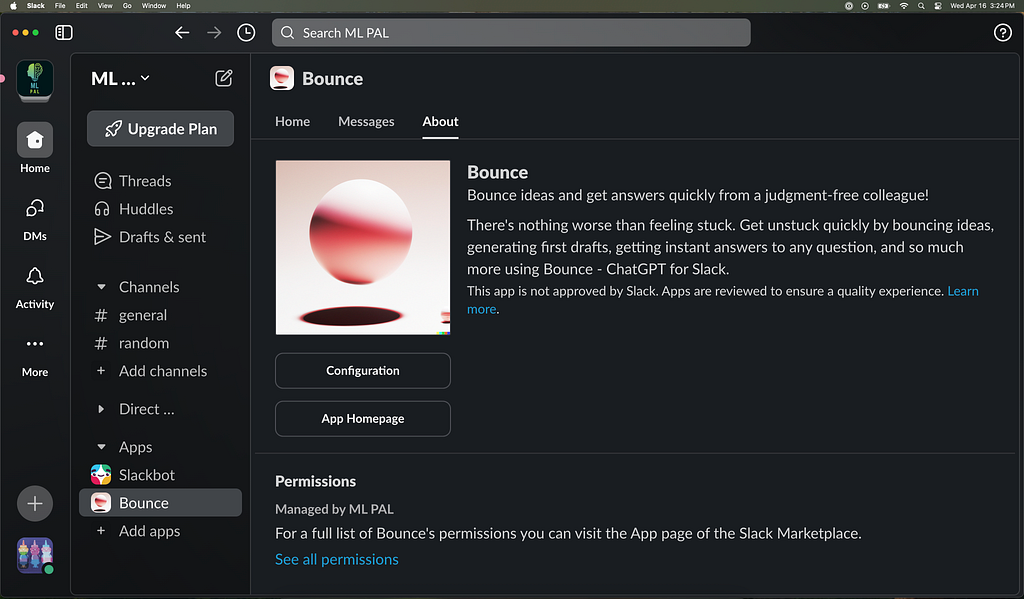
Bounce — ChatGPT for Slack app — in my Slack workspace
Today I’m excited to introduce Bounce — a ChatGPT for Slack app that brings OpenAI’s language models directly into your Slack workspace. Built entirely using AWS serverless technologies, Bounce was designed to be both scalable and cost-efficient from day one.
In my previous role at Life360, I used AWS Lambda and DynamoDB to process billions of events every day. Seeing how seamlessly these technologies scale, even at massive volumes, gave me the confidence to use them for Bounce. The best part? I didn’t have to pay AWS at all to get started. Thanks to AWS’s generous free tiers, I could begin building Bounce without any upfront costs.
In this post, I’ll share how I shipped a real AI product — live in Slack, powered by OpenAI, and architected to scale effortlessly on AWS.
Explore the complete implementation on GitHub to see these AI engineering principles in action: https://github.com/cbohara/bounce
Slack Integration with AWS Lambda
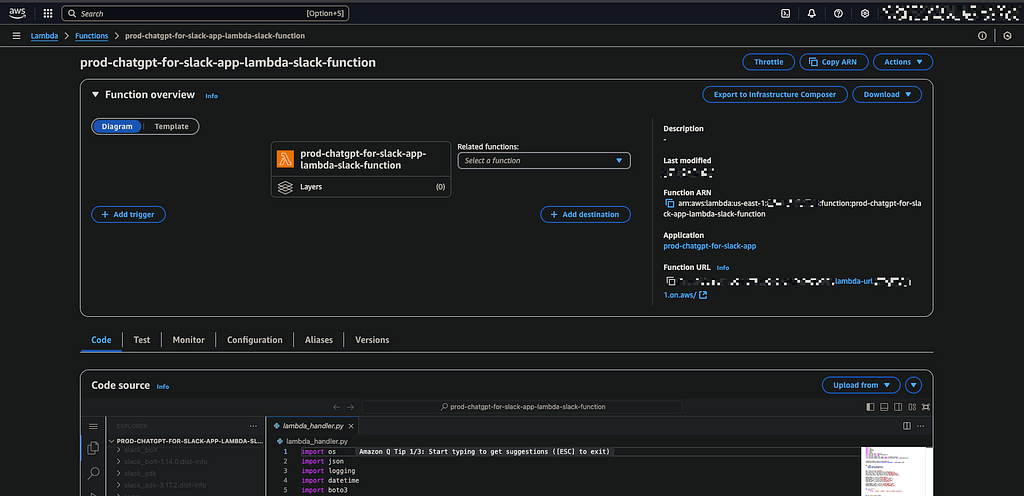
AWS Lambda function with Function URL for Slack integration
Slack has a great Python library with high quality documentation, making it easy to integrate with the Slack platform. The core functionality of Bounce is inlambda_slack/lambda_handler.py. This Lambda function is triggered whenever a user interacts with Bounce in Slack — either by sending a direct message (DM) to the Bounce app or by @mentioning the Bounce app in a public channel.
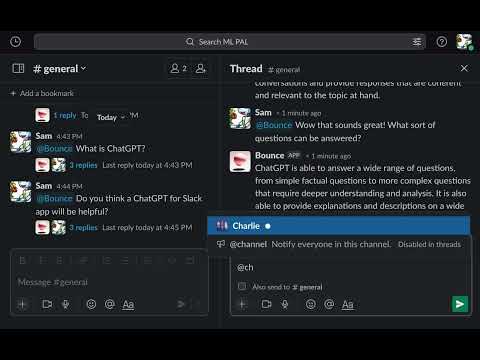
Video: ChatGPT for Slack Demo - Public Chats
When these events occur, Slack sends a request to a publicly accessible AWS Lambda function URL, the designated webhook endpoint for the app. The Lambda function receives the full Slack event payload along with any context needed for processing. If it’s a supported event (like a direct message or app mention), it is routed to the appropriate logic to handle the interaction.
OpenAI API Integration with Slack
Bounce uses OpenAI’s Chat Completion API as its AI engine. For each incoming message, it constructs a structured request that includes a system prompt (which defines the AI’s tone and behavior) along with the most recent exchanges between the user and Bounce. The app extracts relevant content from OpenAI’s JSON responses and includes robust error handling to gracefully manage potential API issues.
[ { "M" : { "content" : { "S" : "You are a helpful assistant." }, "role" : { "S" : "system" } } }, { "M" : { "content" : { "S" : "What does the fox say?" }, "role" : { "S" : "user" } } }, { "M" : { "content" : { "S" : "According to the popular 2013 song \"The Fox (What Does the Fox Say?)\" by Ylvis, the sounds typically associated with a fox are \"ring-ding-ding-ding-dingeringeding!\" and \"wa-pa-pa-pa-pa-pa-pow!\" However, in reality, foxes produce a range of vocalizations including barks, screams, howls, and high-pitched squeals." }, "role" : { "S" : "assistant" } } }, { "M" : { "content" : { "S" : "where do foxes typically live?" }, "role" : { "S" : "user" } } }, { "M" : { "content" : { "S" : "Foxes live pretty much everywhere except extreme polar regions and some deep rainforest zones. Want to know more about a specific type of fox?" }, "role" : { "S" : "assistant" } } } ]
Storing Conversations with AWS DynamoDB
To support personalized, ongoing conversations, Bounce stores message history in DynamoDB. DynamoDB’s flexible schema and scalability make it ideal for managing potentially large volumes of unstructured conversation data typical in AI chat applications, while ensuring low-latency retrieval needed for interactive experiences. When a message is received, the Lambda function retrieves the relevant context from DynamoDB, constructs the full conversation to send to OpenAI, and then saves the updated conversation history after receiving the AI’s response.
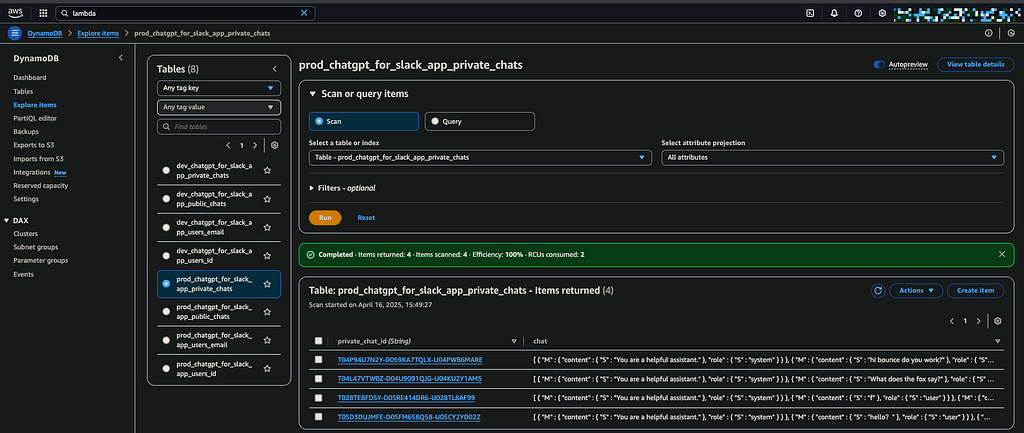
AWS DynamoDB table for managing conversations
To keep OpenAI token usage and DynamoDB storage efficient, Bounce uses a configurable limit on the number of messages retained in context. This cap is set via the .env file, allowing easy tuning of memory depth based on performance needs.
Managing User Data with AWS DynamoDB
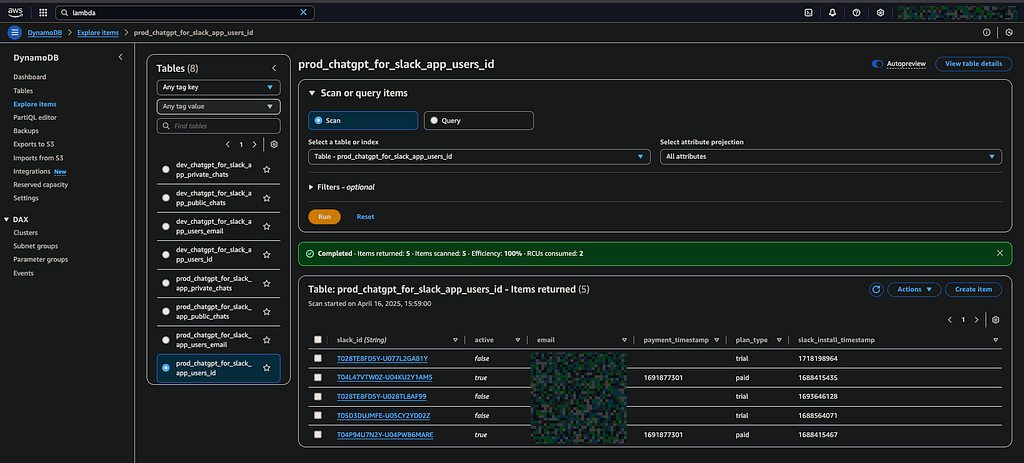
AWS DynamoDB table for managing users
In addition to managing conversation history, Bounce also leverages DynamoDB for user management. DynamoDB’s scalability in a serverless environment makes it a strong fit for handling a growing user base without compromising performance or cost efficiency.
In the user table, I use a composite key that combines the Slack workspace ID and user ID within that workspace. This approach allows the same user to interact with Bounce across multiple workspaces without conflicts, even if they share the same email address in multiple workspaces. If the user doesn’t exist yet, the user is registered the DynamoDB table and set their initial plan to free trial.
Managing Free Trials with AWS Lambda
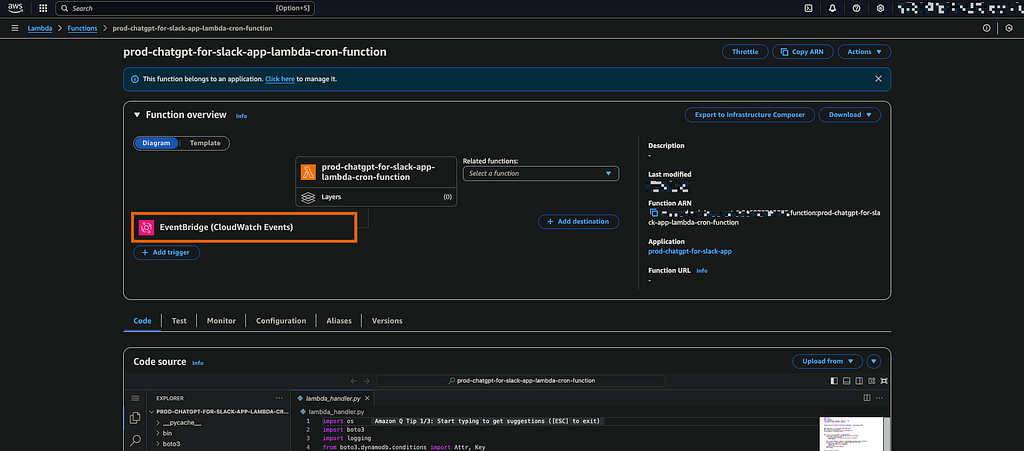
AWS Lambda function for monitoring trial periods
A scheduled Lambda function (triggered daily via CloudWatch Events) handles trial expiration logic, as defined in thelambda_cron/lambda_handler.py code. This Lambda function gets the list of users in DynamoDB that are in the free trial. If their trial time is up, the user’s profile is flagged as inactive in DynamoDB, meaning they can no longer use Bounce unless they upgrade to a paid plan. The Bounce trial period length is configurable via the .env file, allowing for flexibility in how long each user gets to test the app for free.
Stripe Payments with AWS Lambda
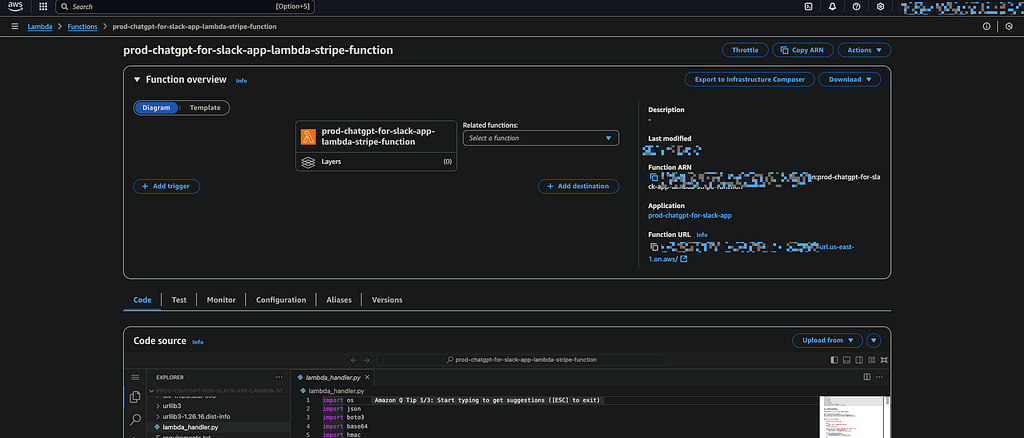
AWS Lambda for accepting Stripe payment events
I integrated Stripe to handle user payments for membership subscriptions. Payment buttons are conveniently located on the Slack app’s homepage, and users are typically prompted to click them once their free trial ends.
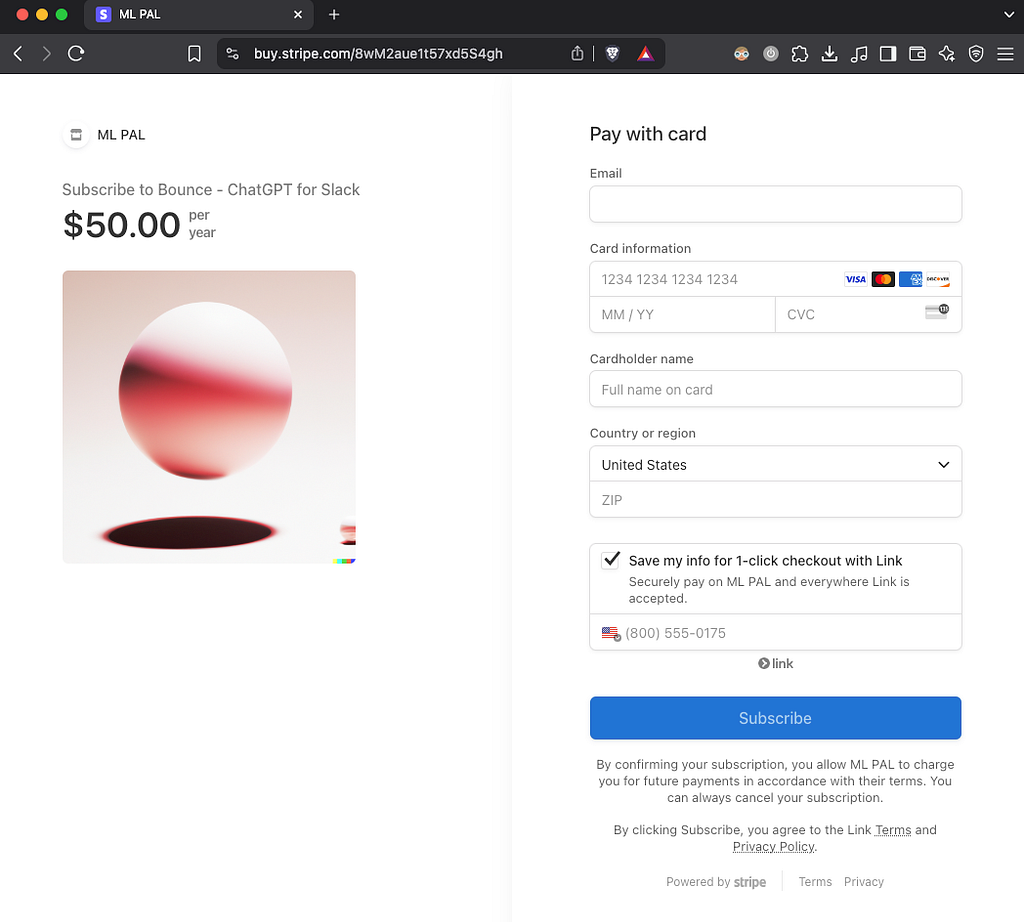
Stripe page for accepting payments
Once a user makes a payment, Stripe sends a webhook event to the lambda_stripe/lambda_handler.py Lambda function, which listens for these events via a function URL. The app updates the user’s record in DynamoDB, marking them as active and indicating their paid plan details, including when they purchased the plan and which plan they subscribed to.
Infrastructure as Code with AWS CDK
To manage all these AWS resources, I used the AWS Cloud Development Kit (CDK), which allows me to define infrastructure-as-code using Python. This has been incredibly helpful in ensuring that I can make updates to my app without having to manually define everything in the AWS Console.
I set up both production and development environments with separate configuration files. Using .env files has also proven to be an effective strategy for secret management—keeping sensitive information like API keys, tokens, and configuration variables out of the source code and version control.
$ python cdk_deploy.py --config .env.dev
$ python cdk_deploy.py --config .env.prod
Deployment is handled by running the cdk_deploy.pyscript that loads environment variables from the config files and then runs the cdk deploy command. This way, I can deploy and test changes in the dev environment without impacting the production service. It’s a clean, efficient setup that has made managing infrastructure reproducible, a critical practice for managing production AI systems.
Conclusion 🚀
Successfully deploying AI like ChatGPT into user-facing tools requires a strong foundation in building scalable and maintainable systems. Bounce exemplifies this, leveraging AWS serverless components managed via the AWS CDK. This approach directly addresses key AI Engineer concerns: ensuring the AI service can scale on demand, managing costs effectively, handling state persistence for context, and enabling automated, reliable deployments across environments.
Explore the complete implementation on GitHub to see these AI engineering principles in action: https://github.com/cbohara/bounce